The video editor for youand your AI crew.
Agents research, script, edit and voice your video, and every fact links to its source. You approve each step, or take over the edit any time.
A crew of eight.
One director: you.
Each step has a specialist that does the work. The steps marked You approve wait for your OK, and everything stays editable after.
Ideas
Finds topics your audience is asking about, with the evidence.
You pickResearch
Collects sources and quotes the facts word for word.
Script
Writes it, and points every factual line at a fact.
You approveFact-check
Flags weak lines and suggests a fix.
You approveEdit
Designs and animates a look of its own.
You approveVoice & sound
Records the voice-over and times scenes to it.
Publish
Writes the post and uploads when you say go.
You publishResults
Reads how it did and carries the lessons forward.
Every claim comes
with a receipt.
The research step quotes its sources word for word. The fact-check marks each line Supported, Weak or Unsupported, and nothing unsourced ships without your say-so. Then share the Proof report with anyone who asks.
- Supported
- Weak
- Unsupported
- Start critically damped, with a response of 0.35 to 0.5 seconds.
- Nothing should appear from nothing: enter from 0.9, never from zero.
- Stagger lists by 40 to 80 milliseconds so they read as one motion.
- But video is slower than UI: entrances run 400 to 700 milliseconds.
“Stagger lists by 40–80 ms per item so they read as one motion.”
Exact quote, with a link back to where it came from.
Templates that fit
every screen.
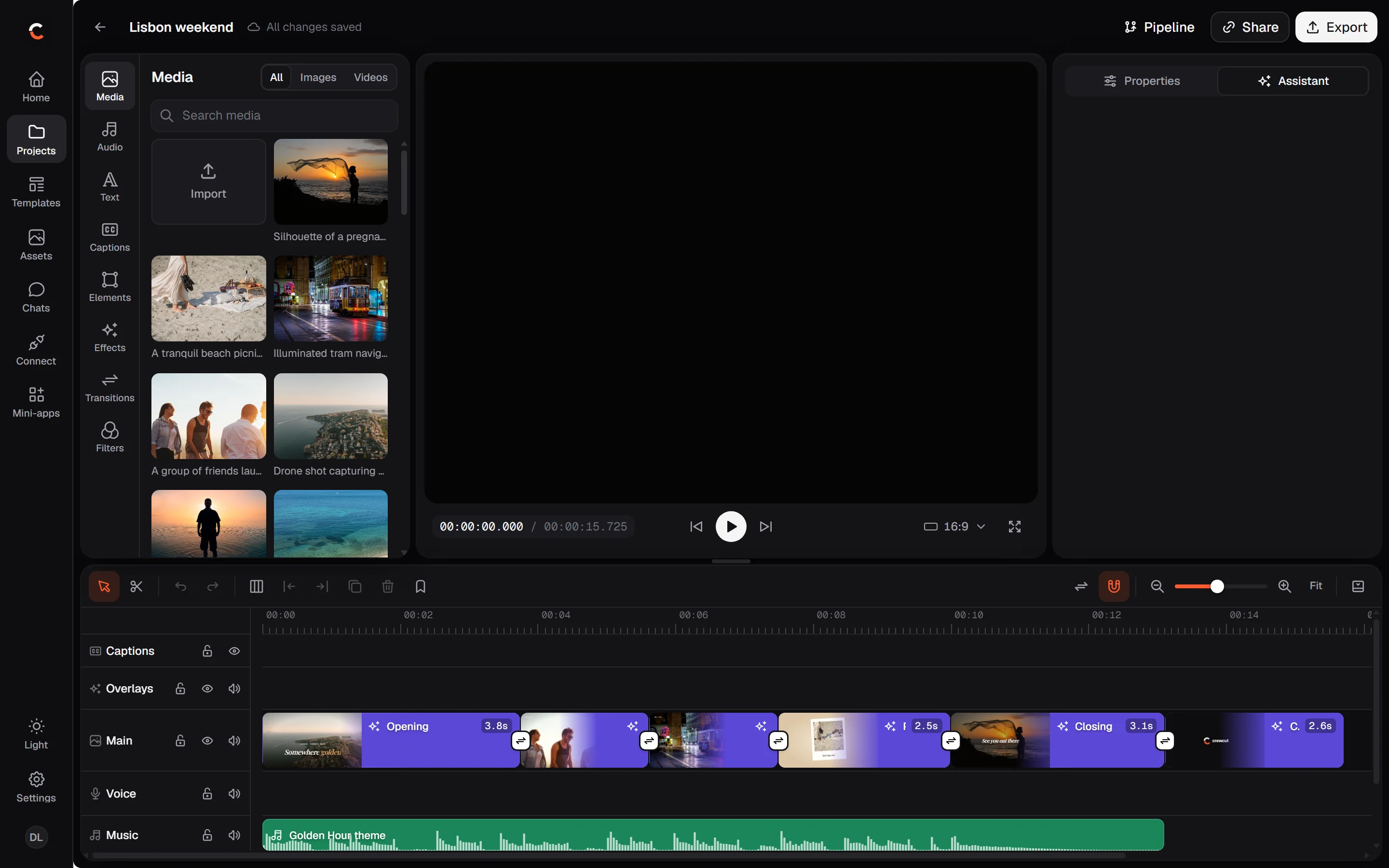
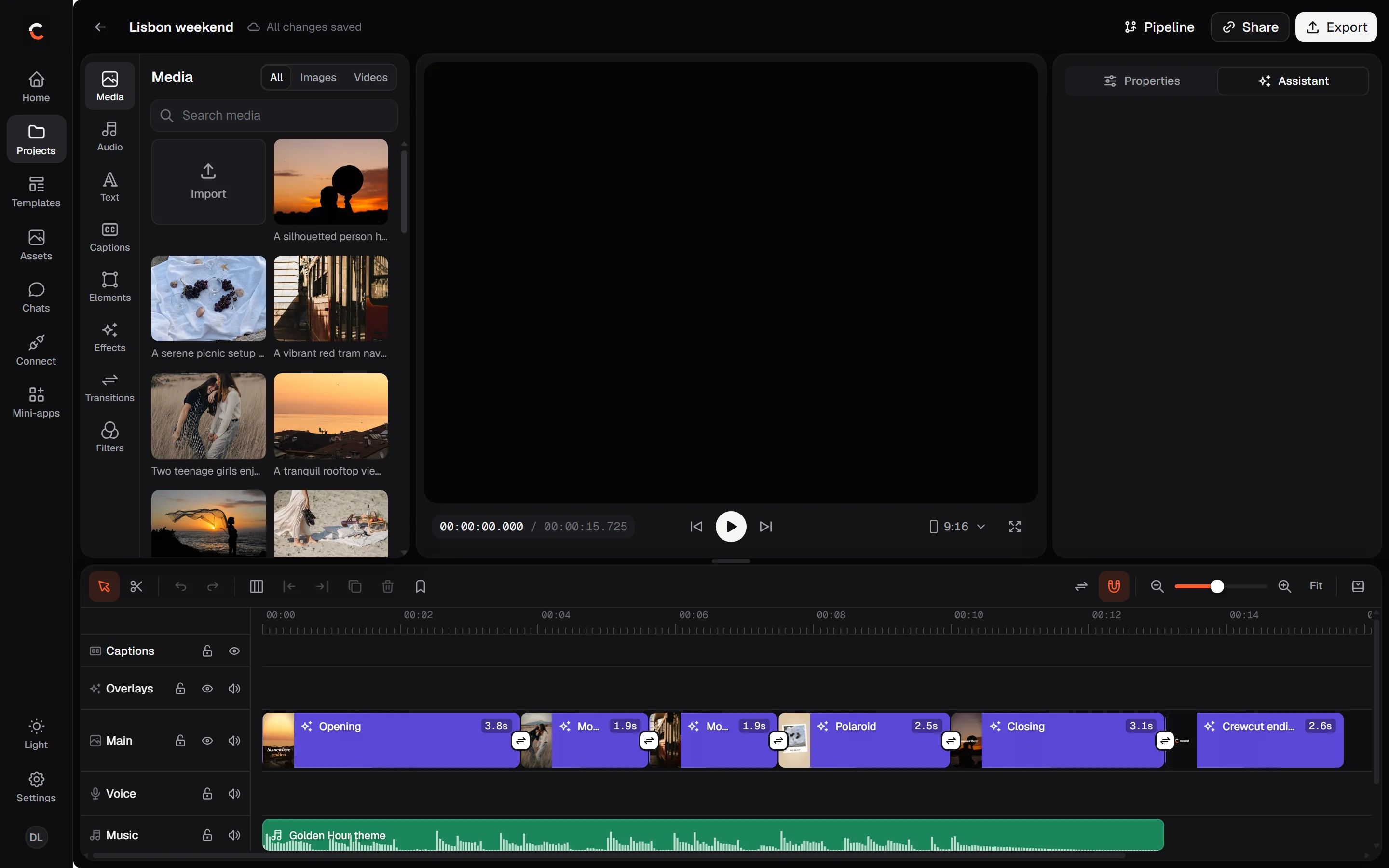
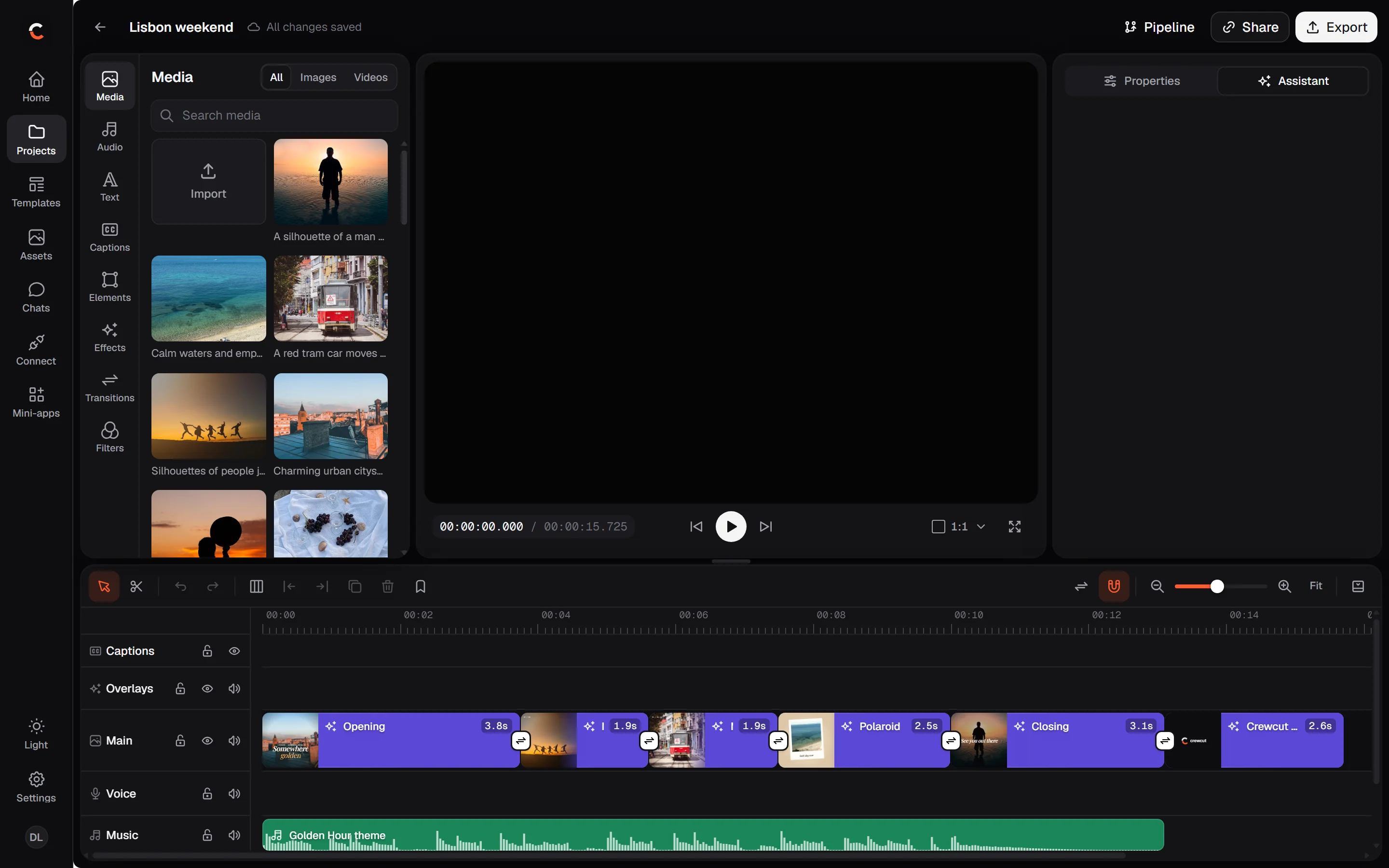
Pick a design, swap in your words and photos, and get it in 9:16, 1:1 and 16:9. The music and stock photos come licensed and credited.
Golden Hour
Product Drop
Event Night
Top Five
Kinetic Quote
Brand Reveal


An editor that feels
like an editor.
Tracks, keyframes, a transition at every cut, captions that follow the voice. Everything the crew makes stays editable, down to the frame.
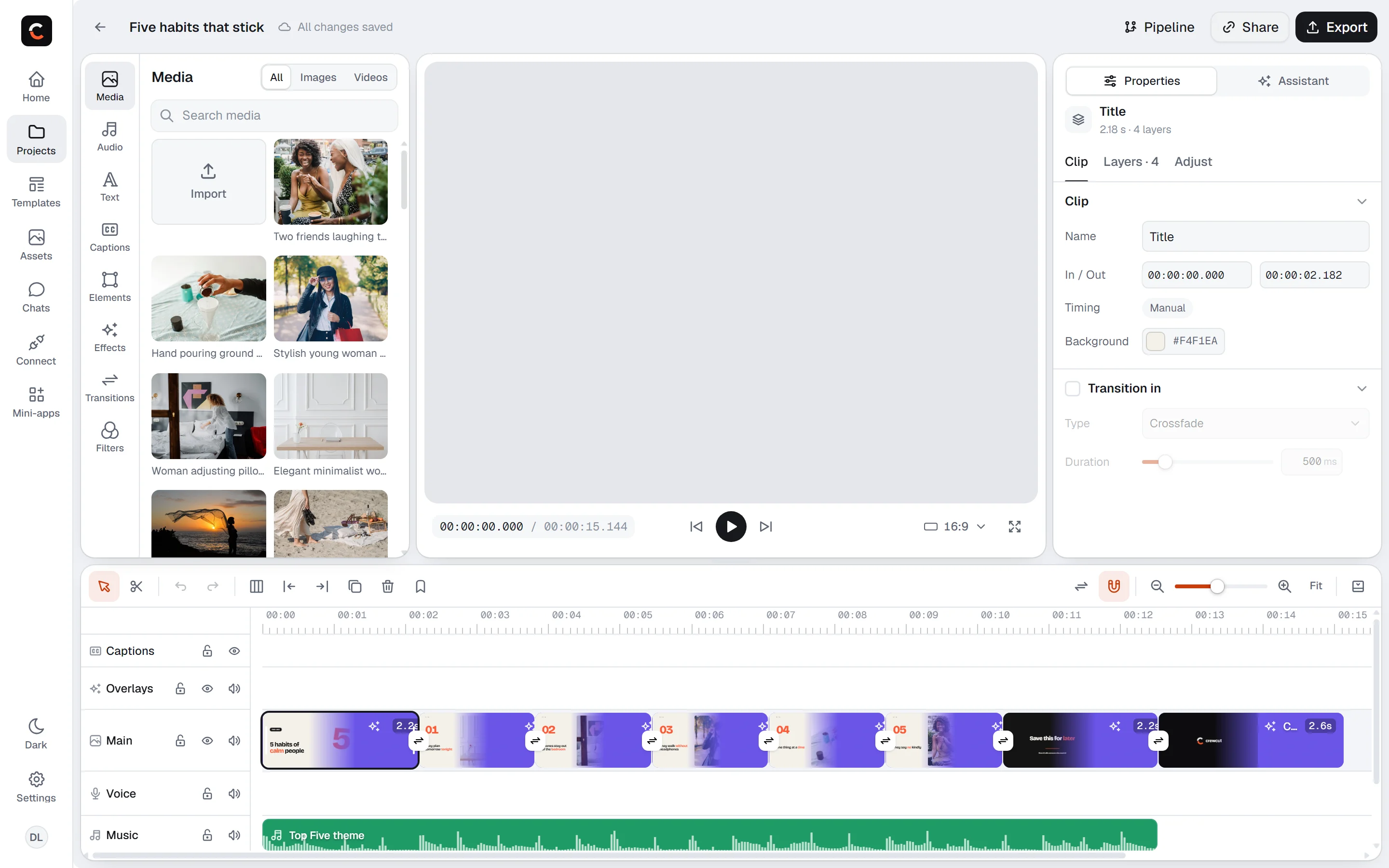
- Trim and split
- A transition at every cut
- Keyframes
- Captions that follow the voice
- Text and titles
- Voice-over
- Music and sound effects
- Filters and color
- Templates
- Eight frame shapes
- Every change in history
- Export MP4
- Publish to YouTube
Bring an idea.
Leave with a video.
Start from a template, a blank timeline, or one sentence for the crew.
Start free